
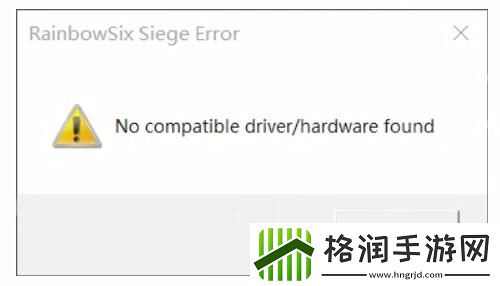
我们在玩一些游戏的时候会遇到这种提示:no compatible driver/hardware found,不少玩家不知道什么意思,也不知道怎么解决,今天小编就带来了解决方法,快来一起看看吧。
no compatible driver/hardware found解决方法
“no compatible driver/hardware found”的意思是未找到兼容的驱动程序或硬件。
解决方法:
建议更新显卡驱动和CPU驱动,最好是这两个都更新一下。
驱动更新方法:
1、点击桌面上的“我的电脑”,右键选择“属性”。
2、找到“设备管理器”后打开,单击“显示适配器”。
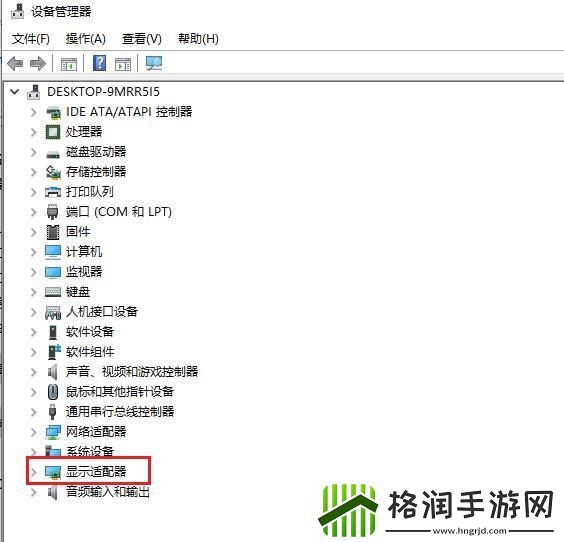
3、在适配器中选择“更新驱动程序”,点击“自动搜索更新的驱动程序应用程序”,更新完成即可。
